






Feature
Apps
Build and manage Marketo forms directly in Webflow
Design, preview, and publish Marketo forms in Webflow with the Adobe Marketo Engage App. Ensure brand consistency, reliable tracking, and enterprise-grade data capture—no custom code required.
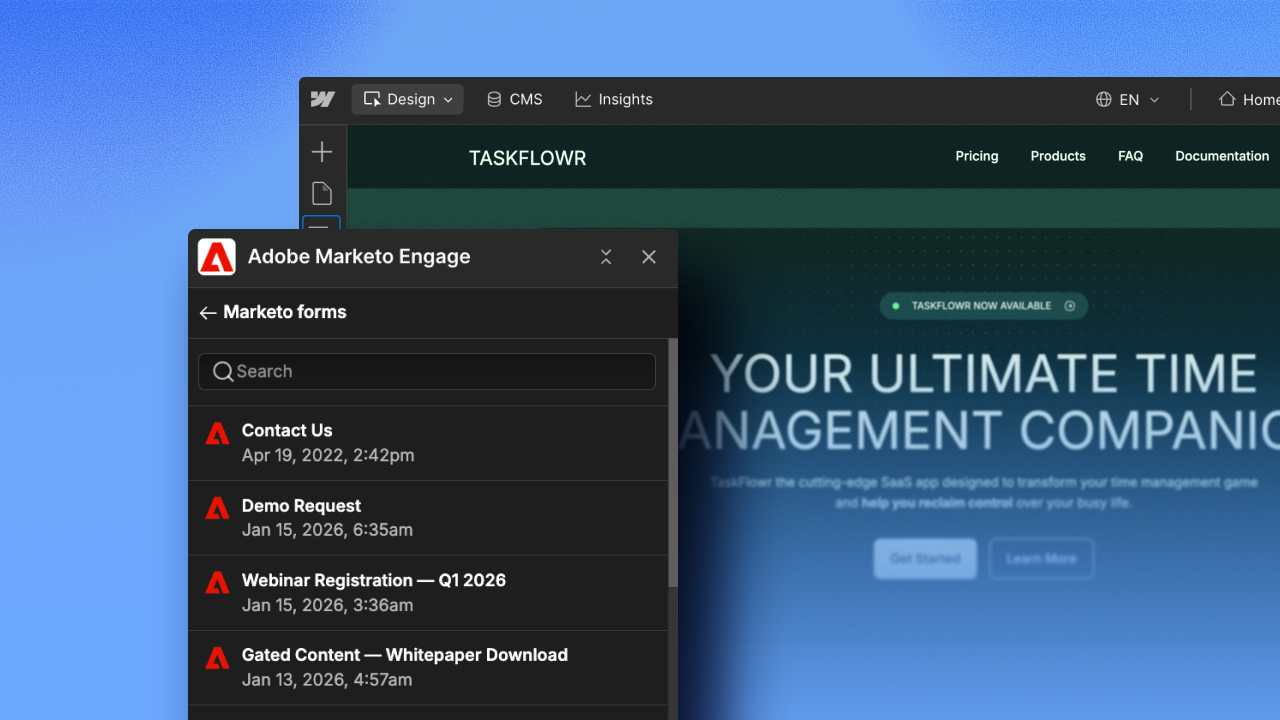
Design, preview, and publish Marketo forms in Webflow, while ensuring brand consistency, reliable tracking, and actionable insights in Marketo.
Starting today, the Adobe Marketo Engage App for Webflow is now available to install for all Webflow customers. This enterprise-grade app simplifies how teams connect, build, and embed Marketo forms on their Webflow sites.
The result: consistency across design and marketing operations that ensures reliable data capture—without touching a line of custom code .
Here's what you can expect:
- Visually design on-brand Marketo forms directly in Webflow
- See a live visual preview as you build, with the live Marketo form automatically rendered upon publish—preserving structure, styling, and functionality
- Track and manage form submissions in Marketo with built-in tracking, validation, and progressive profiling
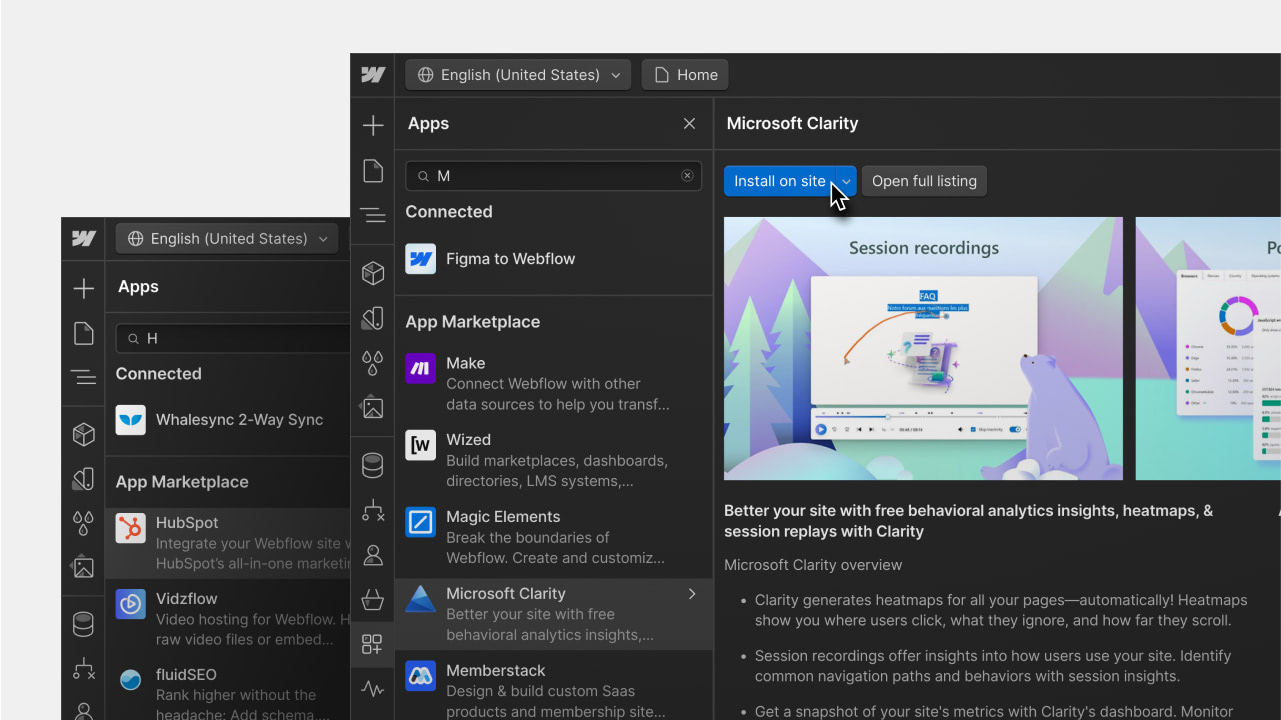
To get started with the app, visit the marketplace or read the Help Center article for step-by-step installation guidance.
For the full announcement about our partnership with Adobe, read the blog.
Related updates





















Get started for free
Try Webflow for as long as you like with our free Starter plan. Purchase a paid Site plan to publish, host, and unlock additional features.
Try Webflow for as long as you like with our free Starter plan. Purchase a paid Site plan to publish, host, and unlock additional features.